-
Shop
- Advanced Technologies
- AI Skills Mastery 2026 Collection
- Beauty
- Best-Sellers
- Calvin Klein
- Car Accessories
- Car Buying & Ownership
- Dating & Social Confidence
- Dating & Social Skills
- Denim
- 7FOR
- AGOLDE
- Antony Morato
- Armani Exchange
- Boss
- Brunello Cucinelli
- Calvin Klein Jeans
- Costume National
- Desigual
- Diesel
- Dolce & Gabbana
- Dsquared²
- Ermanno Scervino
- Fendi
- Gianni Lupo
- Guess Jeans
- Ichi
- Just Cavalli
- Lee
- Levi's
- Liu Jo
- Morgan De Toi
- Mother Denim
- Only
- Pepe Jeans
- Pinko
- Replay
- Tommy Hilfiger Jeans
- Valentino
- Vero Moda
- Digital Resources
- Education & Learning
- Family & Parenting
- Fashion
- Alexander McQueen
- Bags & Wallets
- Balenciaga
- Belts
- Bottega Veneta
- Brunello Cucinelli
- Burberry
- Chanel
- Chloé
- Dior
- Dolce & Gabbana
- Etro
- Fendi
- Gucci
- Hats & Hair Accessories
- Jacquemus
- Jewelry
- Jil Sander
- Jimmy Choo
- Keychains
- Kiton
- Miu Miu
- Off-White
- Prada
- Rick Owens
- Saint Laurent
- Shoes
- Socks & Tights
- Sunglasses
- The Row
- Tom Ford
- Valentino
- Valentino Garavani
- Versace
- Vivienne Westwood
- Watches
- Fashion & Style
- Fashion Accessories
- Financial Education
- Find Your Path Collection
- Fitness
- Furniture
- Gadgets
- Health & Beauty
- Health & Wellness
- Home & Garden
- Home & Kitchen
- Home Styling & Organization
- Home Supplies
- Kids & Babies
- Kitchen
- Lighting
- Nike
- Online Business
- Online Business for Beginners
- Parenting
- Patio, Lawn & Garden
- Personal Growth
- Pet Care
- Pet Supplies
- Pets
- Smart Life with IA
- Sport & Outdoors
- Super Deals
- Travel
- Wealth
- Wealth Building
- Wellness
- YouTube Shorts Best-Sellers
- Popular
- Best deals
TKL Keyboard Downsides: Who Should Avoid Tenkeyless
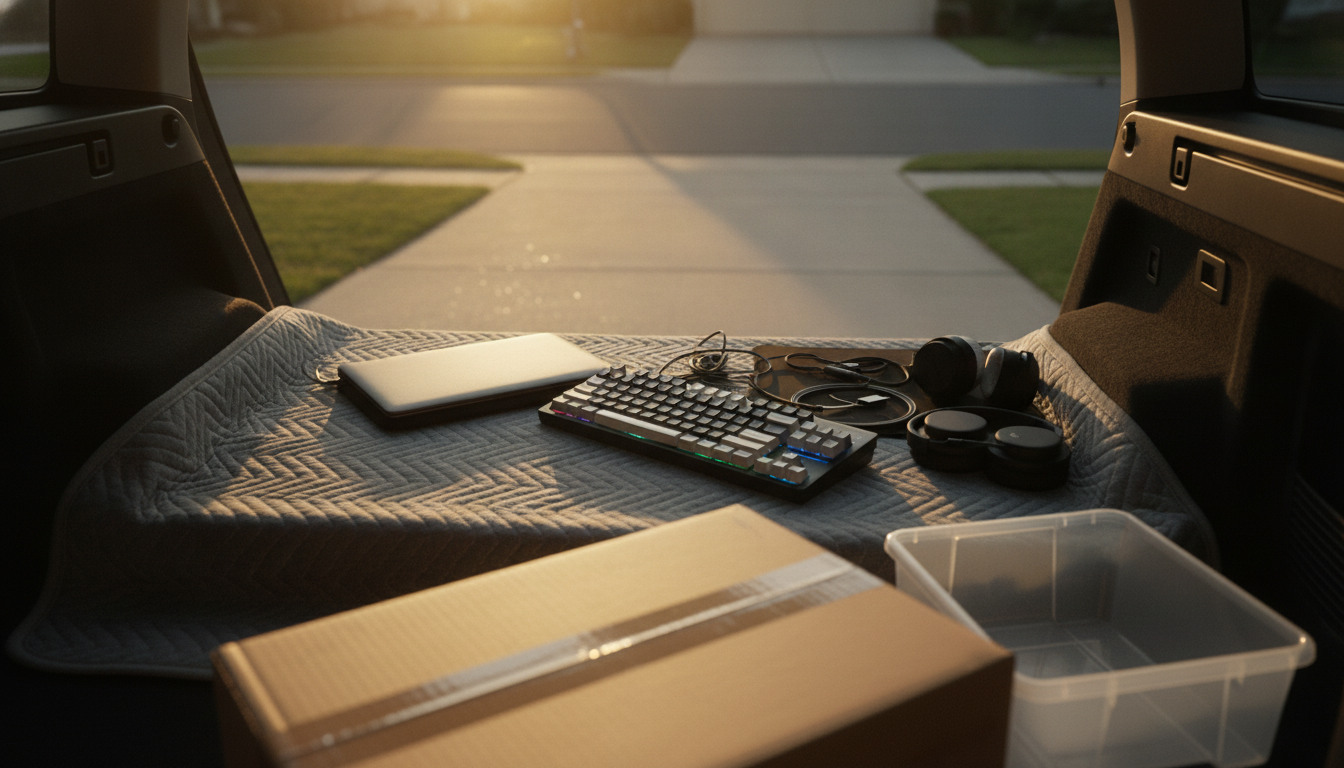
What are the cons of TKL keyboards?
TKL (tenkeyless) keyboards remove the numeric keypad, which can be a real upgrade for desk space and mouse movement—but it isn’t the best fit for everyone. The biggest downside is obvious: if you regularly type long strings of numbers, do accounting work, enter inventory, or rely on numpad shortcuts in apps, losing that dedicated keypad can slow you down. You can adapt with the number row or layers, but it’s rarely as fast as a full numpad for heavy numeric entry.
Another con is workflow-specific key access. Many TKL boards keep the function row and navigation cluster, but some layouts compress spacing or place certain keys closer together than a full-size board. If muscle memory is built around a larger footprint, it can take time to adjust—especially for users who frequently hit Insert/Delete/Home/End/Page keys without looking.
Portability can be a mixed bag. TKL is smaller than full-size, but it’s still wider than 75% or 65% boards. If the goal is the most travel-friendly setup, TKL may not feel compact enough, while still forcing you to sacrifice the numpad.
Finally, accessories and habits may need changes. Some users end up buying a separate numpad, which adds cost and can reduce the “clean desk” benefit. Others miss the extra macro potential of a numpad for gaming binds, streaming controls, or creative shortcuts.
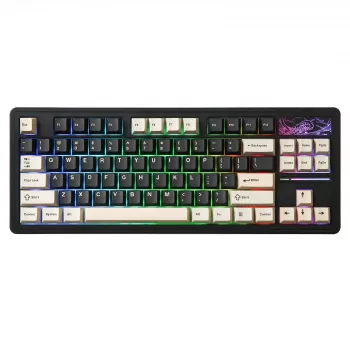
If you’re comparing sizes or considering features like wireless and hot-swappable switches, see the deeper guide here: wireless hot-swappable TKL keyboard (87-key) guide.
For TKL Keyboard Downsides: Who Should Avoid Tenkeyless, the best answer depends on fit, material, care instructions, and how the product will be used day to day.
FAQ
Is a 75% keyboard better than TKL?
A 75% board is usually more compact than TKL while keeping the function row, but it often compresses the navigation keys. Choose 75% for maximum space savings; choose TKL if you want more separation and a more traditional layout feel.













Leave a comment