-
Shop
- Advanced Technologies
- AI Skills Mastery 2026 Collection
- Beauty
- Best-Sellers
- Calvin Klein
- Car Accessories
- Car Buying & Ownership
- Dating & Social Confidence
- Dating & Social Skills
- Denim
- 7FOR
- AGOLDE
- Antony Morato
- Armani Exchange
- Boss
- Brunello Cucinelli
- Calvin Klein Jeans
- Costume National
- Desigual
- Diesel
- Dolce & Gabbana
- Dsquared²
- Ermanno Scervino
- Fendi
- Gianni Lupo
- Guess Jeans
- Ichi
- Just Cavalli
- Lee
- Levi's
- Liu Jo
- Morgan De Toi
- Mother Denim
- Only
- Pepe Jeans
- Pinko
- Replay
- Tommy Hilfiger Jeans
- Valentino
- Vero Moda
- Digital Resources
- Education & Learning
- Family & Parenting
- Fashion
- Alexander McQueen
- Bags & Wallets
- Balenciaga
- Belts
- Bottega Veneta
- Brunello Cucinelli
- Burberry
- Chanel
- Chloé
- Dior
- Dolce & Gabbana
- Etro
- Fendi
- Gucci
- Hats & Hair Accessories
- Jacquemus
- Jewelry
- Jil Sander
- Jimmy Choo
- Keychains
- Kiton
- Miu Miu
- Off-White
- Prada
- Rick Owens
- Saint Laurent
- Shoes
- Socks & Tights
- Sunglasses
- The Row
- Tom Ford
- Valentino
- Valentino Garavani
- Versace
- Vivienne Westwood
- Watches
- Fashion & Style
- Fashion Accessories
- Financial Education
- Find Your Path Collection
- Fitness
- Furniture
- Gadgets
- Health & Beauty
- Health & Wellness
- Home & Garden
- Home & Kitchen
- Home Styling & Organization
- Home Supplies
- Kids & Babies
- Kitchen
- Lighting
- Nike
- Online Business
- Online Business for Beginners
- Parenting
- Patio, Lawn & Garden
- Personal Growth
- Pet Care
- Pet Supplies
- Pets
- Smart Life with IA
- Sport & Outdoors
- Super Deals
- Travel
- Wealth
- Wealth Building
- Wellness
- YouTube Shorts Best-Sellers
- Popular
- Best deals
AI Personal Finance Apps: Budget, Save, Invest Smarter
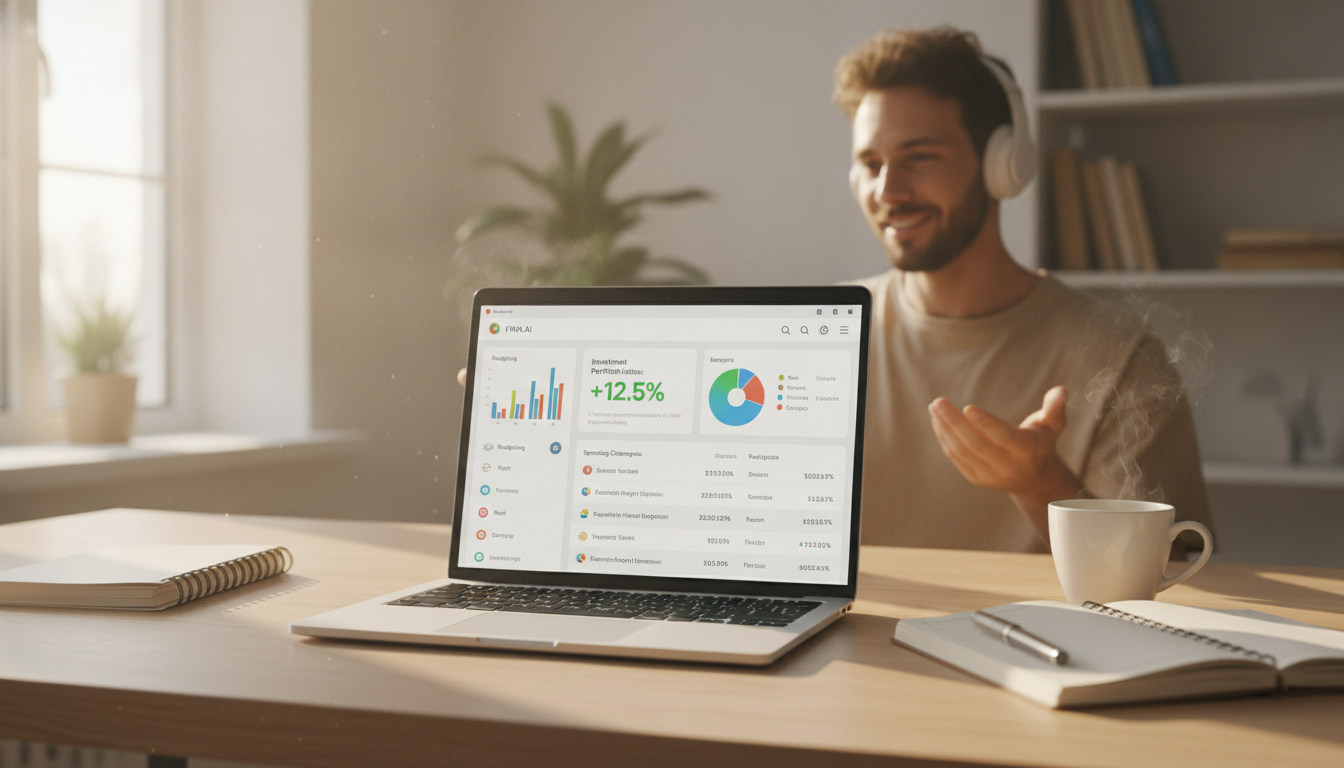
AI Apps to Manage Personal Finances: A Smart Money Guide for Budgeting, Saving, and Investing
Modern personal finance apps use AI to categorize spending, spot patterns, automate budgeting rules, and surface nudges that make day-to-day decisions easier. The goal isn’t to hand over your money decisions to an algorithm—it’s to reduce friction: fewer missed bills, clearer cash-flow visibility, and faster progress toward savings and investing goals.
What AI Finance Apps Do Better Than Spreadsheets
Spreadsheets still work, but AI money apps shine when real life gets messy—multiple accounts, changing bills, and dozens of small purchases that are hard to track consistently.
- Automatic transaction categorization that improves over time, so you spend less time labeling.
- Cash-flow forecasting based on recent deposits, recurring bills, and typical spending patterns.
- Personalized alerts for unusual charges, subscription creep, low-balance warnings, and bill reminders.
- Goal tracking that connects daily choices to targets like an emergency fund, vacation, or down payment.
- Behavioral nudges such as spending limits by category, “safe-to-spend” amounts, and trend summaries.
Key Features to Look For Before Connecting Accounts
Before linking your bank and credit cards, confirm the app is built for accuracy, control, and portability—not just pretty charts.
- Account coverage: Supports major banks, credit cards, loans, and investment accounts—and reliably handles multiple institutions.
- Granular budgeting: Category limits, rollover rules, sinking funds, and custom categories for your lifestyle.
- Bill and subscription tools: Recurring charge detection, renewal reminders, and cancellation guidance.
- Net worth and debt payoff views: Balance history plus payoff strategies (snowball/avalanche) you can actually follow.
- Export and portability: CSV export or integrations so you’re not stuck if you switch platforms later.
- Human override: Easy re-categorization, rule creation, and the ability to correct wrong assumptions.
Quick comparison checklist for AI-driven money apps
| Capability | Why it matters | What to verify |
|---|---|---|
| Smart categorization | Faster, cleaner budget reports | Can you create rules and bulk-edit categories? |
| Forecasting | Avoid overdrafts and late payments | Does it account for recurring bills and irregular income? |
| Goal automation | Turns intentions into routines | Can it automate transfers or only track progress? |
| Subscription detection | Reduces silent spending | Does it show last charge date and next expected renewal? |
| Investing insights | Keeps portfolio aligned | Fees, diversification, and rebalancing prompts (without hype) |
| Privacy & security | Protects sensitive data | Encryption, 2FA, data deletion options, and permissions |
A Simple Setup That Makes AI Recommendations More Accurate
AI outputs are only as useful as the signals you feed them. A clean setup in the first week prevents the “garbage in, garbage out” effect.
- Start with essentials: connect checking, your primary credit card, and any loans. Add extra cards later to reduce noise.
- Clean up categories early: fix mislabels and create rules (example: “Any charge from X = Groceries”).
- Tag “non-monthly” items: annual insurance, quarterly taxes, gifts—then add sinking funds so the budget stays realistic.
- Set a baseline: choose one month as your reference for typical spending and recurring bills.
- Decide your alerts: low balance, large purchases, subscription renewals, and category overspending.
Budgeting With AI: From Tracking to Control
Tracking is awareness. Control is when the app helps you make decisions earlier—before a tight week turns into a stressful month.
- Use “safe-to-spend” or cash-buffer views to prevent end-of-month surprises.
- Turn insights into rules: cap dining out, set a weekly discretionary limit, or schedule a “no-spend day” reminder.
- Use a three-bucket structure: essentials, goals (savings/debt), and flex spending—then adjust caps monthly.
- Review weekly, not daily: a 10-minute check-in keeps the system accurate without becoming obsessive.
- Measure one improvement at a time: reduce one category by a fixed amount and redirect it to a goal.
Investing and Automation: Helpful Guardrails (and Common Pitfalls)
AI can support investing habits, but it shouldn’t push you into constant changes. The best tools reinforce consistency, costs, and risk alignment.
- Automate the basics first: emergency fund, employer match, and steady contributions.
- Use AI insights as prompts, not predictions—prioritize fees, diversification, and appropriate risk rather than market timing.
- Rebalancing reminders can reduce drift, but check potential tax impact in taxable accounts.
- Watch for hidden drag: high expense ratios, frequent trading, and overlapping funds that reduce diversification.
- If an app offers “smart” investing suggestions, confirm assumptions: time horizon, risk tolerance, and liquidity needs.
For straightforward investing education, stick to trusted references like Investor.gov and fraud-avoidance guidance from FINRA.
Privacy, Security, and Data Permissions
When an app can see your transactions, security and permissions matter as much as features.
For broader money-management guidance, the Consumer Financial Protection Bureau (CFPB) offers practical, non-salesy resources.
A Practical 14-Day Money Reset Using AI Tools
Digital Guide for Putting It All Together
- Smart Money Guide: AI Apps to Manage Personal Finances (Digital Download) — a step-by-step workflow for budgeting, saving, and investing with practical checklists.
- Helping Teens Build Healthy Connections in a Digital World (eBook) — a helpful companion for families building better digital boundaries and communication routines.
FAQ
Are AI finance apps safe to use with bank accounts?
They can be, especially when they use encryption, multi-factor authentication, and tokenized connections so the app doesn’t store your bank password. Always review permissions, enable 2FA where possible, and revoke access immediately if you stop using the service.
Can an AI app replace a traditional budget?
It can reduce the manual work, but it can’t choose your priorities for you. The most effective setup pairs AI automation (categorization, alerts, rules) with simple human decisions about goals, limits, and tradeoffs.
Do AI tools actually help with investing decisions?
They help most with consistency—reminding you to contribute, flagging fees, and prompting rebalancing—rather than predicting markets. Use them to stay aligned with your risk level and time horizon, and double-check tax effects before making changes in taxable accounts.
Recommended for you



Beige Dior Suede Slip-On Sneakers: Fit, Style & Care
Jun 26, 2026













Leave a comment