-
Shop
- Advanced Technologies
- AI Skills Mastery 2026 Collection
- Best-Sellers
- Calvin Klein
- Car Accessories
- Car Buying & Ownership
- Dating & Social Skills
- Denim
- 7FOR
- AGOLDE
- Antony Morato
- Armani Exchange
- Boss
- Brunello Cucinelli
- Calvin Klein Jeans
- Costume National
- Desigual
- Diesel
- Dolce & Gabbana
- Dsquared²
- Ermanno Scervino
- Fendi
- Gianni Lupo
- Guess Jeans
- Ichi
- Just Cavalli
- Lee
- Levi's
- Liu Jo
- Morgan De Toi
- Mother Denim
- Only
- Pepe Jeans
- Pinko
- Replay
- Tommy Hilfiger Jeans
- Valentino
- Vero Moda
- Digital Resources
- Education & Learning
- Family & Parenting
- Fashion
- Alexander McQueen
- Bags & Wallets
- Balenciaga
- Belts
- Bottega Veneta
- Brunello Cucinelli
- Burberry
- Chanel
- Chloé
- Dior
- Dolce & Gabbana
- Etro
- Fendi
- Gucci
- Hats & Hair Accessories
- Jacquemus
- Jewelry
- Jil Sander
- Jimmy Choo
- Keychains
- Kiton
- Miu Miu
- Off-White
- Prada
- Rick Owens
- Saint Laurent
- Shoes
- Socks & Tights
- Sunglasses
- The Row
- Tom Ford
- Valentino
- Valentino Garavani
- Versace
- Vivienne Westwood
- Watches
- Fashion & Style
- Fashion Accessories
- Financial Education
- Find Your Path Collection
- Fitness
- Furniture
- Gadgets
- Health & Beauty
- Health & Wellness
- Home & Garden
- Home & Kitchen
- Home Styling & Organization
- Home Supplies
- Kids & Babies
- Kitchen
- Lighting
- Nike
- Online Business
- Online Business for Beginners
- Parenting
- Patio, Lawn & Garden
- Personal Growth
- Pet Care
- Pet Supplies
- Pets
- Smart Life with IA
- Sport & Outdoors
- Super Deals
- Travel
- Wealth
- Wealth Building
- Wellness
- YouTube Shorts Best-Sellers
- Popular
- Best deals
2.4GHz vs 5GHz for Two-Way Talk Security Cameras
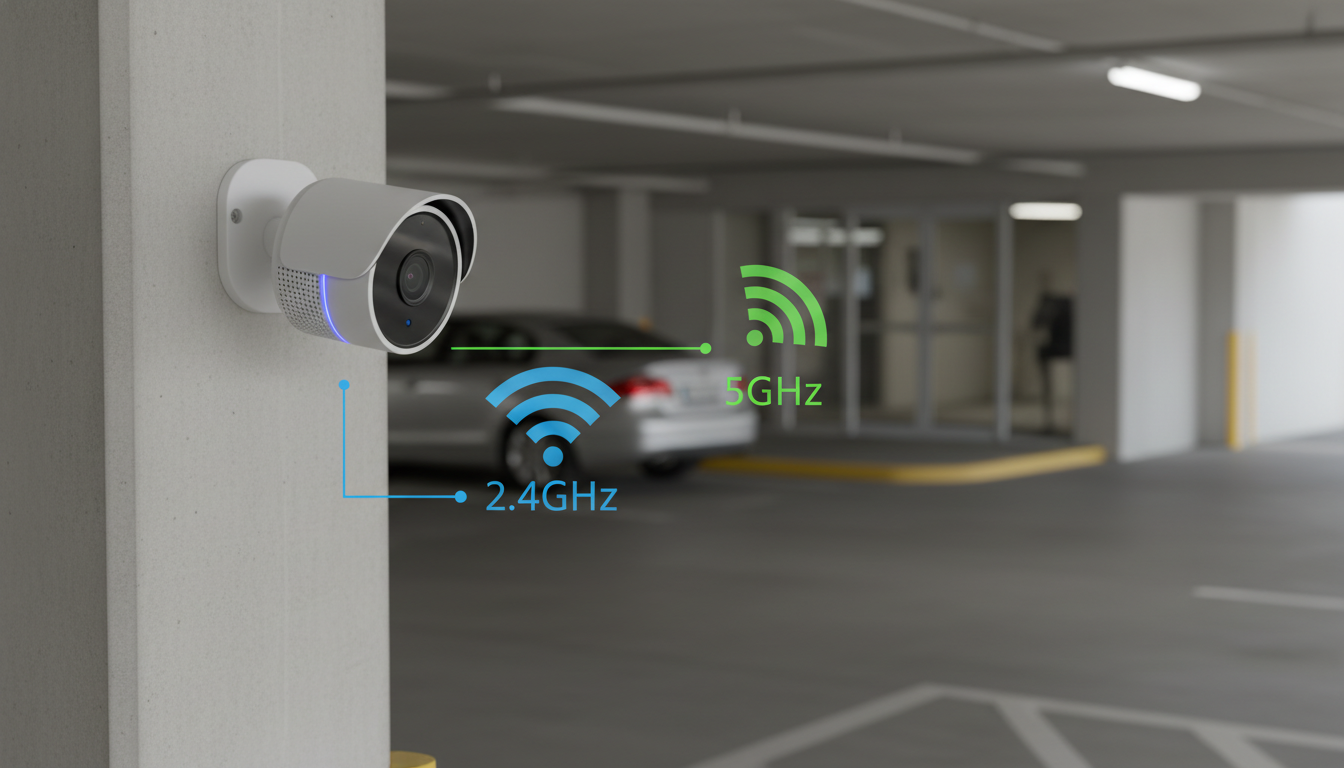
Does a smart security camera with two-way talk work with 2.4GHz or 5GHz Wi‑Fi?
Most smart security cameras with two-way talk work on 2.4GHz Wi‑Fi, and some newer models support both 2.4GHz and 5GHz (dual-band). If a camera only supports 2.4GHz, it won’t join a 5GHz-only network, even if your router offers both bands.
Answer
2.4GHz is the most common and most compatible option. Many indoor cameras are designed for 2.4GHz because it travels farther through walls and tends to be more stable across a typical home layout. That stability can help keep live view and two-way talk from dropping when you move between rooms or when the camera is placed farther from the router.
5GHz can be faster, but range is shorter. If your camera supports 5GHz, it may benefit from less interference and higher throughput at close range—useful in apartments or when the router is in the same room. However, 5GHz signals usually weaken more quickly through walls, which can cause laggy audio or delayed push-to-talk if the camera is placed farther away.
What to do if you’re not sure which band your camera uses: check the product specs for “2.4GHz,” “5GHz,” or “dual-band.” If the listing doesn’t say 5GHz, assume it’s 2.4GHz-only. Also, many camera setup apps will show a warning if you try to connect to a 5GHz network.
Practical setup tip: if your router combines both bands under one network name (a single SSID), a 2.4GHz-only camera usually connects fine, but some setups go smoother when you temporarily separate the SSIDs (for example, “Home-2.4” and “Home-5”).
For more details on features like HD video, night vision, and using two-way talk effectively, see the complete guide here: https://luxian.shop/guide-hd-indoor-security-camera-night-vision-two-way-talk/.
FAQ
Why won’t my security camera connect to Wi‑Fi even though the password is correct?
It’s often trying to join a 5GHz network when the camera only supports 2.4GHz, or the Wi‑Fi name contains special characters the camera can’t read. Also check that your router is using WPA2/WPA3 (not legacy modes) and that the camera is close enough during setup.
















Leave a comment