-
Shop
- Advanced Technologies
- AI Skills Mastery 2026 Collection
- Beauty
- Best-Sellers
- Calvin Klein
- Car Accessories
- Car Buying & Ownership
- Dating & Social Confidence
- Dating & Social Skills
- Denim
- 7FOR
- AGOLDE
- Antony Morato
- Armani Exchange
- Boss
- Brunello Cucinelli
- Calvin Klein Jeans
- Costume National
- Desigual
- Diesel
- Dolce & Gabbana
- Dsquared²
- Ermanno Scervino
- Fendi
- Gianni Lupo
- Guess Jeans
- Ichi
- Just Cavalli
- Lee
- Levi's
- Liu Jo
- Morgan De Toi
- Mother Denim
- Only
- Pepe Jeans
- Pinko
- Replay
- Tommy Hilfiger Jeans
- Valentino
- Vero Moda
- Digital Resources
- Education & Learning
- Family & Parenting
- Fashion
- Alexander McQueen
- Bags & Wallets
- Balenciaga
- Belts
- Bottega Veneta
- Brunello Cucinelli
- Burberry
- Chanel
- Chloé
- Dior
- Dolce & Gabbana
- Etro
- Fendi
- Gucci
- Hats & Hair Accessories
- Jacquemus
- Jewelry
- Jil Sander
- Jimmy Choo
- Keychains
- Kiton
- Miu Miu
- Off-White
- Prada
- Rick Owens
- Saint Laurent
- Shoes
- Socks & Tights
- Sunglasses
- The Row
- Tom Ford
- Valentino
- Valentino Garavani
- Versace
- Vivienne Westwood
- Watches
- Fashion & Style
- Fashion Accessories
- Financial Education
- Find Your Path Collection
- Fitness
- Furniture
- Gadgets
- Health & Beauty
- Health & Wellness
- Home & Garden
- Home & Kitchen
- Home Styling & Organization
- Home Supplies
- Kids & Babies
- Kitchen
- Lighting
- Nike
- Online Business
- Online Business for Beginners
- Parenting
- Patio, Lawn & Garden
- Personal Growth
- Pet Care
- Pet Supplies
- Pets
- Smart Life with IA
- Sport & Outdoors
- Super Deals
- Travel
- Wealth
- Wealth Building
- Wellness
- YouTube Shorts Best-Sellers
- Popular
- Best deals
Turn On Marble Run Future City: Quick Start Guide
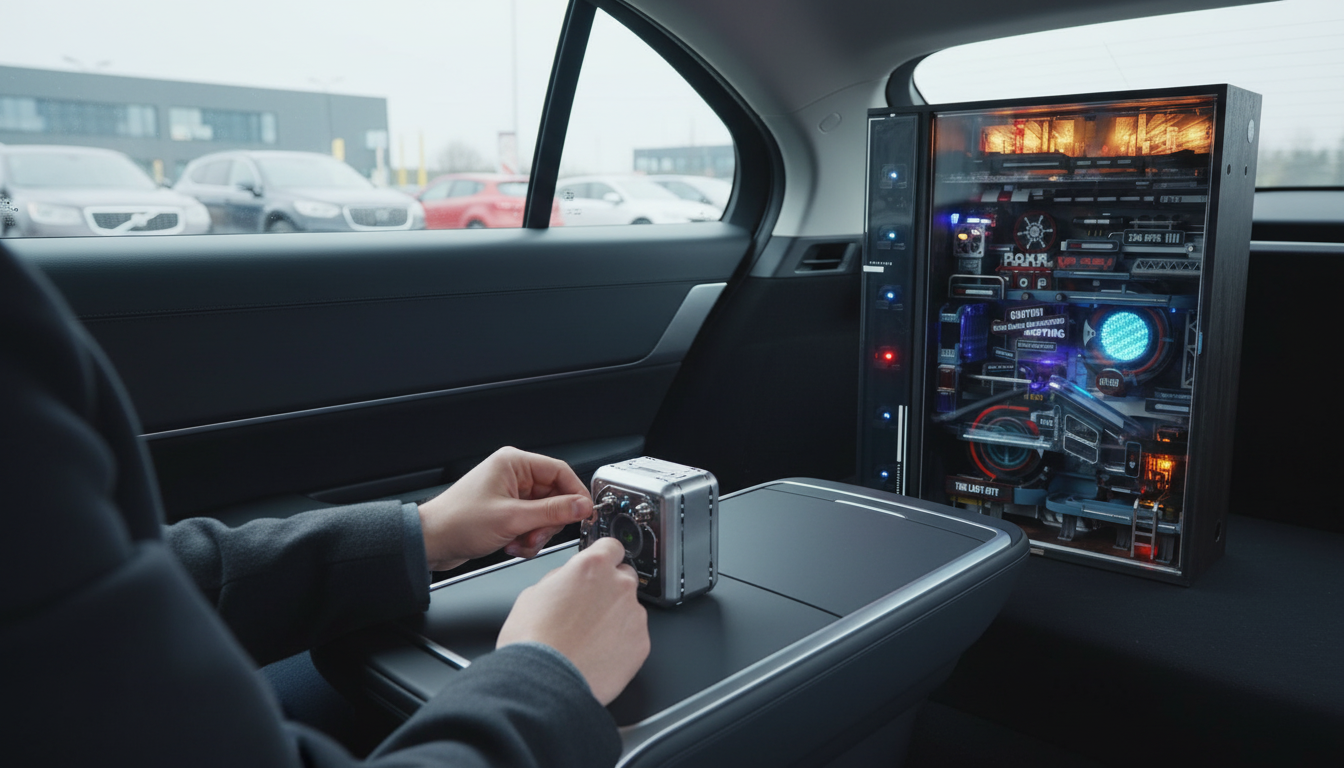
How to turn on marble run future city?
To turn on a Marble Run Future City set, start by confirming which parts are actually powered. Most “future city” marble runs use a small motor module to lift marbles (or power a moving feature) and everything else runs by gravity. The basics are the same across versions: install fresh batteries or fully charge the module (if it’s rechargeable), make sure the power switch is in the ON position, and ensure the lift mechanism can spin freely without rubbing on the frame.
Step-by-step: powering up the motor module
1) Check the battery/charging setup. Open the battery compartment, match polarity (+/–), and use the recommended battery type. If the module is USB rechargeable, charge it fully before the first run.
2) Find the ON/OFF switch. It’s usually on the side or underside of the motor housing. Slide or press it to ON; some models have a separate speed dial—start at a medium setting.
3) Confirm the lift path is clear. The elevator wheel/chain/spiral lift should rotate without hitting nearby track pieces. If it binds, loosen nearby connectors, re-seat the motor module, and re-tighten.
4) Load marbles correctly. Drop a few marbles into the intended entry point or hopper so the lift can catch them. If marbles bounce out, reduce speed slightly or adjust the guide rails at the intake.
Quick fixes if it won’t start
No power: Replace batteries, clean battery contacts, and verify the compartment door is fully closed (some doors act like a safety lock).
Motor hums but doesn’t move: A gear may be jammed by a misaligned piece. Remove marbles, turn off the module, and gently spin the lift by hand to find the tight spot.
Starts, then stops: The lift is likely overloaded or rubbing. Lower the speed, reduce the number of marbles circulating, and check for track pieces pressing against the motor housing.
For a deeper build-and-tune walkthrough—including alignment tips that help the powered elevator run smoothly—see the full guide here: https://luxian.shop/guide-futuristic-marble-run-puzzle-build-tune-display/.
FAQ
Why do the marbles keep getting stuck on the lift?
Most lift jams come from a slightly tilted base or a guide rail that’s too tight at the intake. Level the set, slow the motor if possible, and re-seat the lift track so marbles enter straight without scraping the sides.















Leave a comment